Camera mod for Barotrauma: zoom with the mouse wheel past the vanilla limits, detach the camera and fly it around, or pin it to your character.
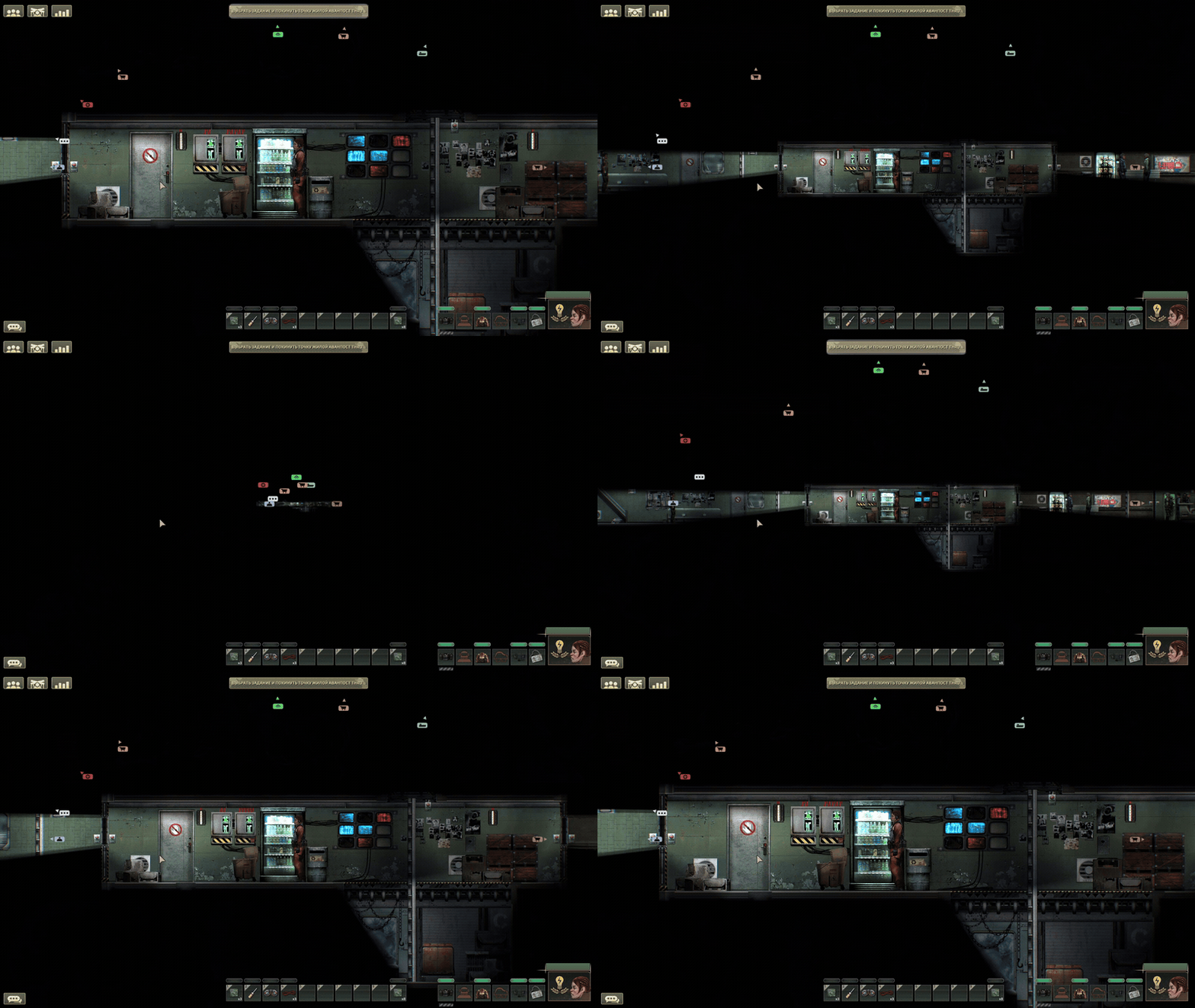
More demos — freecam and freecam freeze
Freecam. The camera leaves the character, flies wherever you point it and comes back.
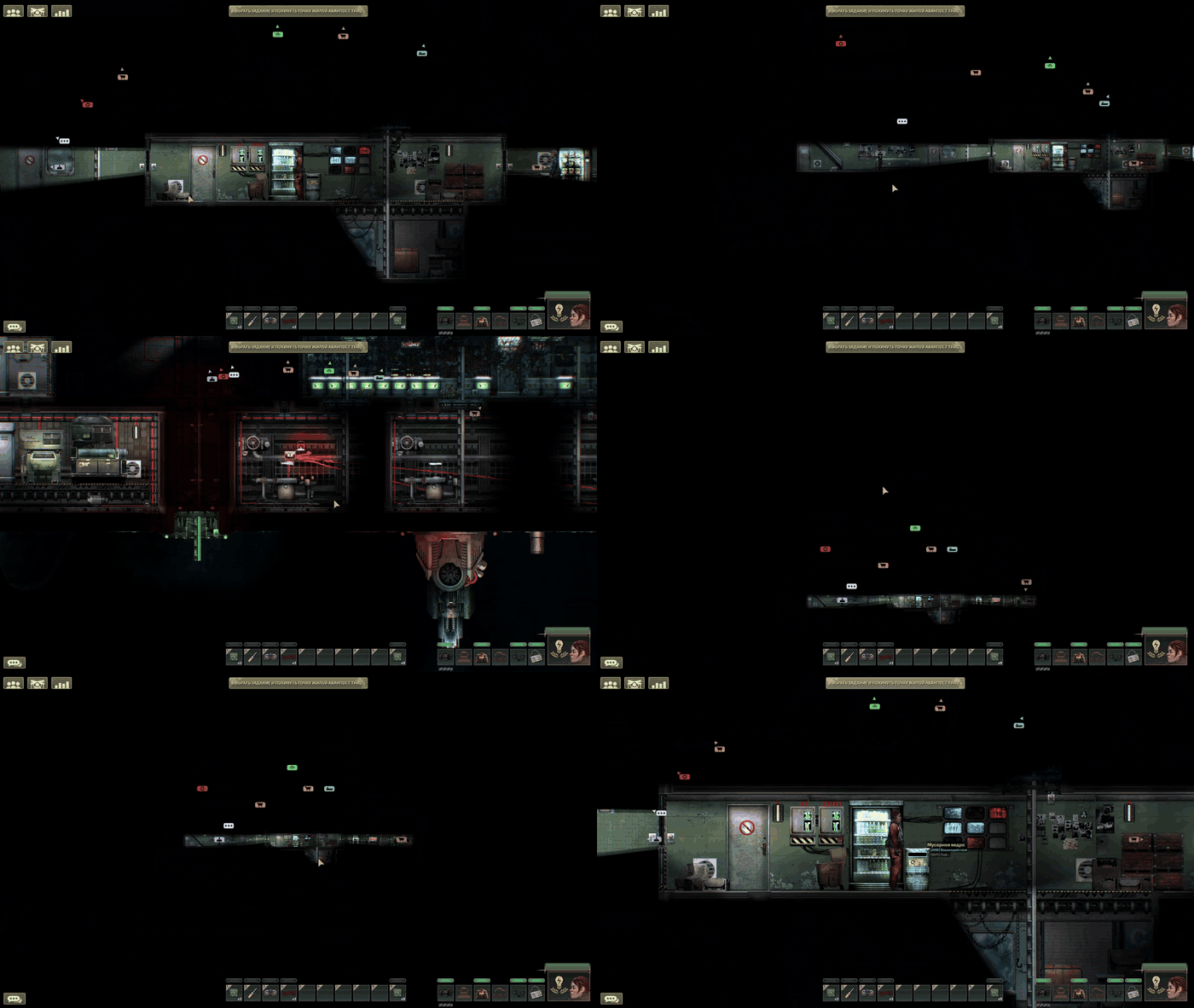
Freeze freecam. The camera stays pinned where you left it while you keep walking around and interacting with the world.
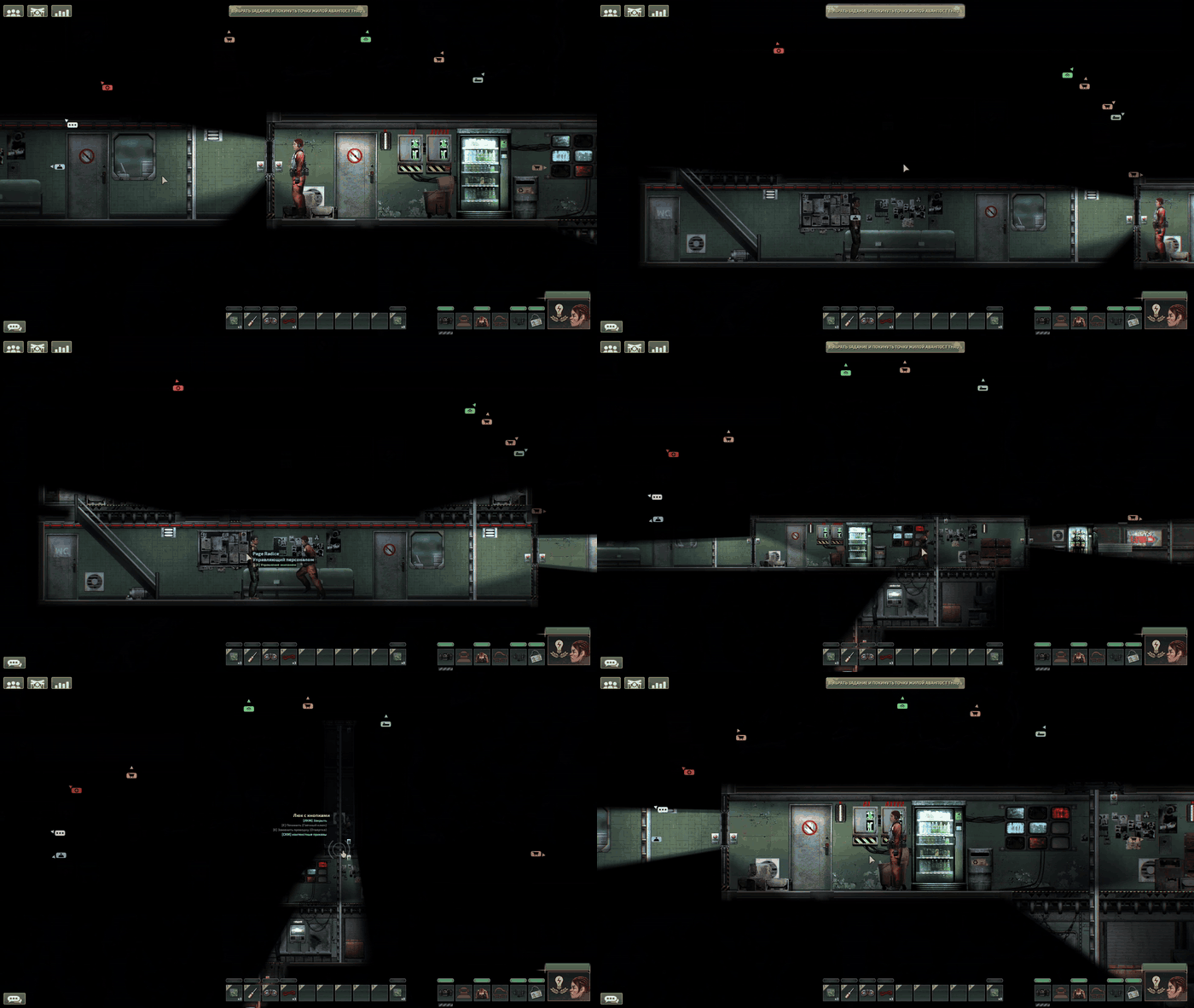
- Scroll zoom — the mouse wheel changes the zoom, within limits you set.
- Freecam — the camera leaves your character and drifts toward the cursor.
- Freeze freecam — pins the free camera where it is, so it stops chasing the cursor. Works only while freecam is on.
- Lock to character — keeps the camera on your character instead of letting it drift. On by default; turn that off in the settings if you would rather start unlocked.
- LuaCsForBarotrauma with C# scripting enabled.
- Checked on Barotrauma 1.13.4.0. Nothing is claimed about other versions.
Client-side mod. It works in singleplayer and on any server without being installed there, and it does not sync anything over the network.
From the Steam Workshop — subscribe, then enable ScrollZoom in the game's content package menu.
Manually — download the zip from Releases, unpack the folder into
Barotrauma/LocalMods/, then enable it in the content package menu.
Either way, LuaCsForBarotrauma has to be installed with C# scripting enabled, or the mod will not load at all.
All settings are in the game options: hotkeys under Mod Controls Settings, the rest under Mod Gameplay Settings. Values are stored by the game, outside the mod folder, so updating the mod keeps them.
| Setting | Default | What it does |
|---|---|---|
| Freecam | F | Detaches the camera and lets it follow the cursor |
| Freeze freecam | NumPad4 | Pins the free camera in place |
| Toggle scroll zoom | NumPad5 | Turns wheel zoom on and off; while off the game controls the zoom |
| Lock to character | NumPad6 | Keeps the camera on your character |
| Lock to character on load | on | Turns lock-to-character on by itself every time the mod loads |
| Furthest zoom out | 0.1 | Lowest zoom the wheel can reach; lower shows more |
| Closest zoom in | 2.25 | Highest zoom the wheel can reach; must stay above the zoom-out limit |
| Wheel sensitivity | 0.06 | How much one notch of the wheel changes the zoom |
| Freecam speed | 10.0 | How fast the free camera follows the cursor |
Hotkeys and the wheel are ignored while you are typing — in chat, in the console, or in any other text field.
The mod moves the camera by writing to the game's internal camera fields, since there is no public way to do it. If a game update renames those fields, the mod says so in the console and stays inactive rather than half-working.
While scroll zoom is on, the mod widens the camera's own zoom bounds — the game caps them at 0.1 and 2.0, and anything you set past that would otherwise be ignored. The original bounds go back when you turn scroll zoom off or unload the mod.
- Source and releases — the code, the changelog and the latest zip.
- Steam Workshop
MIT, see LICENSE.